
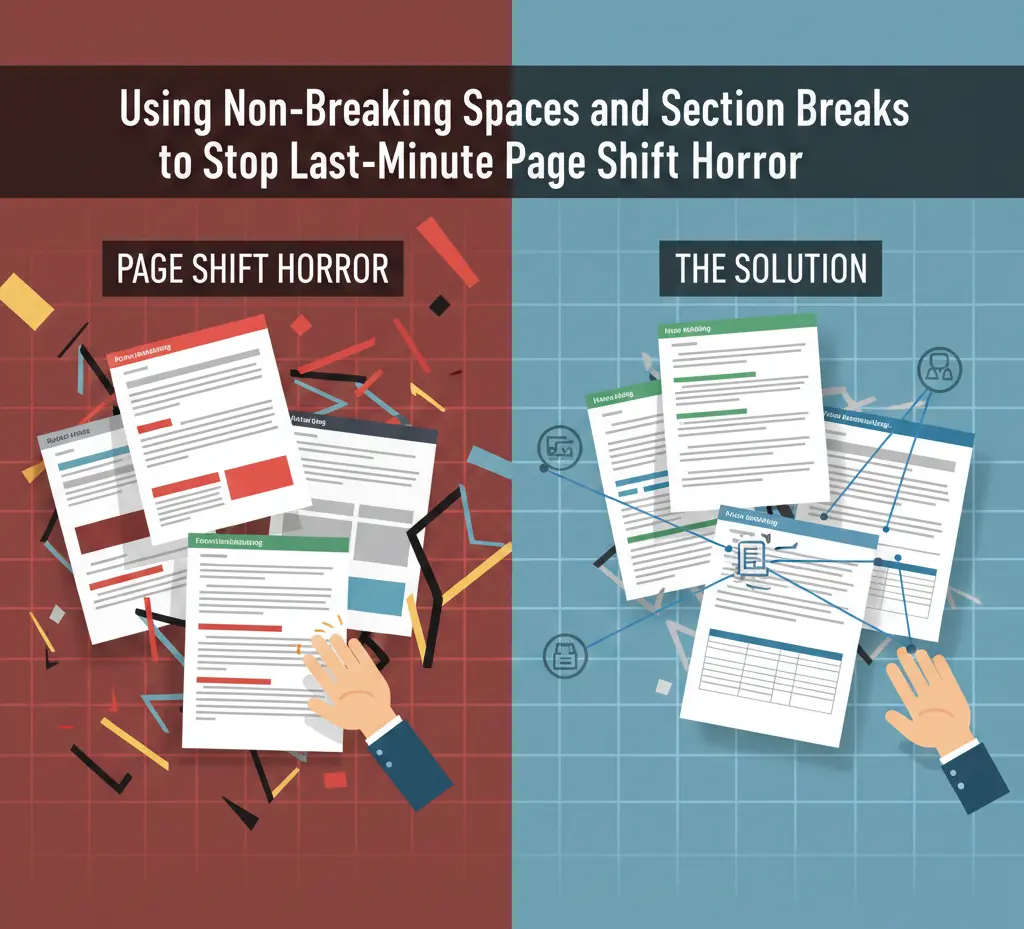
Imagine this. You are almost done with your academic document.
Everything seems fine until you adjust a little text, and suddenly the document changes. Your perfect layout turns into a complete mess. If you have ever experienced this challenging situation, you know that managing non-breaking spaces and section breaks is the only way to stay in control. Watching your titles jump onto the next page and getting page breaks shifted is an everyday stress for writers.
In this situation, keeping two important things in mind can help you. Non-breaking spaces and section breaks. Understanding their right use of non-breaking spaces and section breaks can help you maintain a consistent and professional look in your document. If you want to avoid last-minute headaches, keep reading to learn how to use them the right way!
The Reason Behind Text Shifting
Document shifting, or text shifting, refers to the phenomenon in which text moves in a Word document. For instance, apps like Microsoft Word and Google Docs keep adding space as you continue to type. Often, when a new text is added, eliminated, or there is a change in margins, or a major shift in the entire layout.
This is the reason,
- A heading is shifted onto the next page
- A page number changes randomly
- A table is divided into two pages
Remember, academic publishers have strict layout rules. If you are planning to submit your work for thesis journal publication near me, you need to master non-breaking spaces and section breaks. However, this is not your fault. These mistakes are often caused by the program itself, assuming them to be correct.
What Is A Non-Breaking Space?
A non-breaking space is a special type of invisible character that prevents two numbers, words, or other elements from separating. This separation usually occurs from a line break. This type of space is different from a normal space. For instance, word processors are trained to use normal space. They would normally align a text like this sentence, breaking a line anywhere in the document.
However, this is where the role of adding a non-breaking space comes into play.
Adding a non-breaking space ensures that the two numbers and symbols are on the same line.
For instance,
This might look like a small edit, but these minor differences have a big impact. They improve the overall readability of your document.
Take a look at the case below to know where to use a non-breaking space,
| 10 kg | The unit and value should stay together. |
| June 2025 | Keep date elements together. |
| $700 | Symbols and numbers shouldn’t break |
| Mr. Derek | Use a non-breaking space between ‘’Mr.’’ and ‘’Derek’’ |
How To Use A Non-Breaking Space?
When it comes to academic documents such as a thesis, using non-breaking spaces and section breaks becomes more important.
A small layout shift can distort the chapter structure and citation placement. This is the reason many students turn to dissertation proofreader services Toronto.
Writing such an aligned text is not in your hands sometimes.
The style is already set in the settings of the software you are using.
This is the reason many writers struggle. They might have done top-quality research, but the lack of non-breaking spaces makes their final document look unprofessional.
Here is how you can include a non-breaking space in your sentence:
1. For Microsoft Word
For Windows, use the shortcut
Ctrl+ shift+ spacebar
For Mac, use this shortcut,
Press option + space
2. For Google Docs
Go to,
Insert→ Special Characters→ Search for Non-breaking space
3. For Adobe InDesign
Type→ Insert→ White space
What Is A Section Break?
By default, the word processors are trained to apply uniform formatting throughout the document.
However, section breaks are very useful in cases where you want separate formatting and layouts for each section of your document.
For instance, you are writing a book. You want each chapter to have various layout details such as headers and footers.
This is where inserting section breaks comes into play!
By doing so, each section can have its own,
- Page numbering style
- Margins
- Orientation types
- Column and page width
However, many students ignore the formatting requirements and send their document to professional staples binding services.
As a result, they receive a document that looks outstanding on the outside but lacks proper internal structure!
Different Types Of Section Breaks
- Next Page
A next page section break will start a new section on the next page. This type is frequently used for starting new chapters or title pages.
For instance, if you want a different kind of orientation for the next page, this section break would be an ideal choice.
- Continuous Page
This type of section break allows you to make layout changes within the same page. Inserting this allows you to begin a new chapter without moving to the next one.
This is commonly used when you are,
- Creating multiple columns
- Applying different formatting techniques to a specific part of the page
- Text and graphics are flowing together
- Want to have your page have a different header and footer compared to the rest of the document
- Even Page
When an even page break is applied, you can start the next section of your document on an even number.
This is a perfect choice for double-sided printing when the chapters need to start on the left-hand page.
- Odd Page
When an odd section break is applied, the new section begins on an odd-numbered page.
This setting is mostly useful in books and formal reports. It ensures that each section begins on a right-hand page, as per the traditional layout of printed books.
How To Insert Section Breaks?
Inserting a section break is a very simple process. All you need to do is
→ Click the page layout tab
→ Press breaks
→ Choose the type of break you want to insert
FAQS
- Are non-breaking spaces and section breaks essential for academic documents?
Yes! They are extremely important as academic settings have very strict rules. Tables must appear after the headings page, and figures must stay close to their references otherwise, your thesis may get rejected!
- What are some tips I should remember while using these?
You don’t need to stress out while focusing on formatting. Just review your document thoroughly, use shortcuts for inserting, and use non-breaking spaces where they really matter!
- Does every sentence need a non-breaking space?
No! Non-breaking spaces are required only when using measurements and units, dates and times, references, and acronyms.
Wrapping Up
Last-minute page shifts aren’t a nightmare; they are just an outcome of the rules your software follows. The key is to be aware of their integration and use them where required from the start. Their proper use will help you send your documents with confidence and prevent the risk of embarrassing revisions, regardless of the quality of your content.